
How to prepare your TV for a move
Prepare a TV for moving with the manufacturer's guidance, suitable packaging and organized cables. Know what to discuss before pickup.
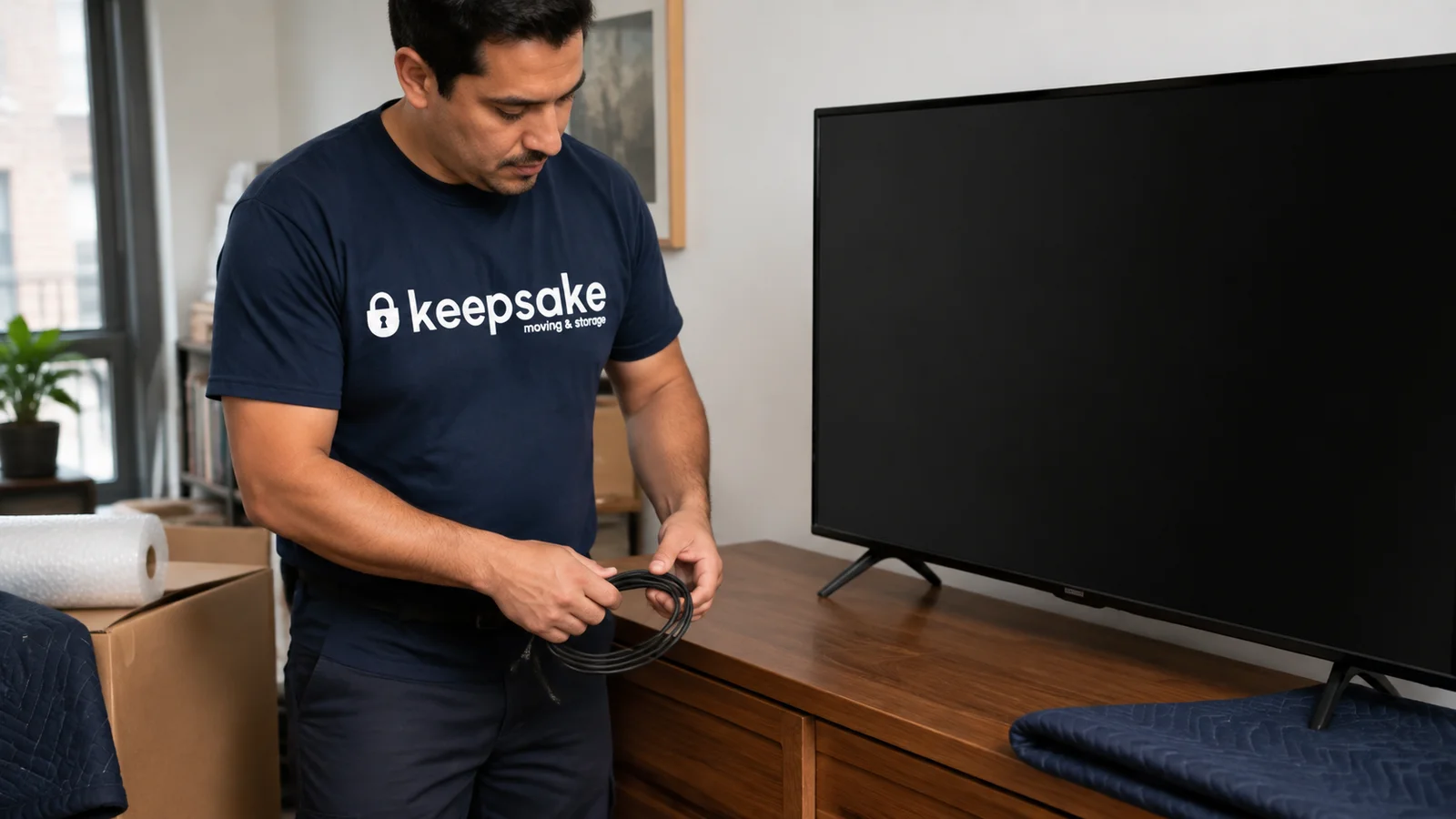
Before you start
Find the transport instructions for your exact TV model and use packaging that supports it as the manufacturer specifies. Keep pressure off the display and confirm any stand removal, wall removal or reinstallation work before booking.
If the original TV box is long gone, start with the model number. It leads you to the manufacturer’s transport instructions and gives the moving team the information needed to assess packaging, especially for a wall-mounted set or a delicate panel.
Have the instructions and packaging ready before the room is packed, while there is still space to prepare the set.
Find the instructions for the actual television
Record the model number from the settings, purchase record or accessible product label. Do not move a heavy mounted TV merely to reach a label. Search the manufacturer’s support site for that model’s manual and retain a copy with your moving notes.
Instructions can specify where the set may be supported, the orientation for transport and how its stand is removed. For example, a Sony reference guide directs owners to use the original carton and packing materials when moving the covered models and warns against pressure on the panel. Follow the equivalent instructions for your own TV rather than assuming every model is handled identically.
If you cannot identify the model or find clear instructions, contact the manufacturer or ask the moving team to assess the set before preparing it. Our packing service can include the TV when the particular work is discussed and agreed.
Work out who is removing it from the wall
A wall-mounted television creates separate jobs: disconnecting the equipment, releasing the television from the mount, packing it and installing it at the destination. Confirm which jobs are included in the move and which need an installer or another qualified person.
Tell the mover if cables pass through the wall or access around the mount is restricted, and identify any installation work needed at the new home.
If the mount stays behind, identify the hardware and parts that belong with the television. If it is moving too, keep its model information and installation instructions. Have the installer assess the mounting arrangement at the new wall.
Record the setup before disconnecting it
Take clear photographs of the connected ports and write down which cable serves each device. Keep streaming remotes, adapters and small connector devices with the correct television.
Test the television before packing and note any existing issue. A photograph of the screen operating and pictures of the outside condition can help distinguish a preexisting problem from something noticed after the move.
Power down and disconnect according to the manufacturer’s instructions. Do not pull the set away from furniture while a cable is still attached. If the television is awkward to access, leave that step to the person who has agreed to handle it.
Check what remains of the original packaging
The original box is useful only when the parts that support the television are also present and suitable for reuse. An empty branded carton does not provide the support that shaped inserts and other original components were designed to give.
Check the packaging for missing pieces, damage or signs that it will not close as intended. Match it to the actual model and size; a box from a similar television may position the supports differently. Follow the original packing arrangement where it is available.
If the original packaging is gone, tell the mover before booking. Ask what packaging is appropriate for the set and who will supply it.
Keep accessories organized without putting them against the screen
Pack the remote, power cable and other accessories separately from the display surface. Label the package with the television’s room or inventory reference, and list anything that is traveling separately. Keep stand hardware together in a labeled container so it does not disappear into a general tools box.
For a removable stand, retain its instructions and confirm who is doing the removal. Do not choose screws by eye during reassembly or assume every screw from a mount belongs in the stand. If anything is missing, identify it before the television needs to be set up.
Check the carrying route as well as the box
Tell the moving team about narrow doorways, stairs and the space around the pickup location. Include the packed dimensions when they are available. The carton can be larger than the display and needs room to turn without being forced through an opening.
The same check applies at the new home. Our furniture measurement guide covers the route through a building. Do not handle a large set alone or use the screen as a pushing surface to make a tight turn work.
Inspect it before discarding the packaging
At delivery, look at the package and television for visible issues and record anything that needs attention. Retain the packaging until the set has been checked and the relevant moving or purchase records have been reviewed.
Use the manufacturer’s setup instructions, including any precautions following transport or a change in conditions. Arrange installation if mounting work is needed. For the wider room, our unpacking guide helps put essentials first so the television does not become an urgent project in the middle of an unfinished home.
Common questions
Is it safe to transport a TV laying down?
Use the transport instructions for the exact model. Do not choose an orientation from the screen size alone or assume that a method used for another television is suitable. If the instructions are missing, provide the model number to the moving team before packing so the handling and packaging can be assessed.
Can movers move a TV without a box?
Tell the mover before collection if the original packaging is missing. Share the model, dimensions and any available inserts so suitable preparation can be agreed. A booking to transport the television does not by itself establish which packing materials are included.
How should I pack the remote, stand and cables?
Keep them in labeled packaging separate from the screen surface. Identify the television they belong to and keep the stand hardware with its component reference. Photograph the connections before unplugging them and retain the model’s assembly instructions.